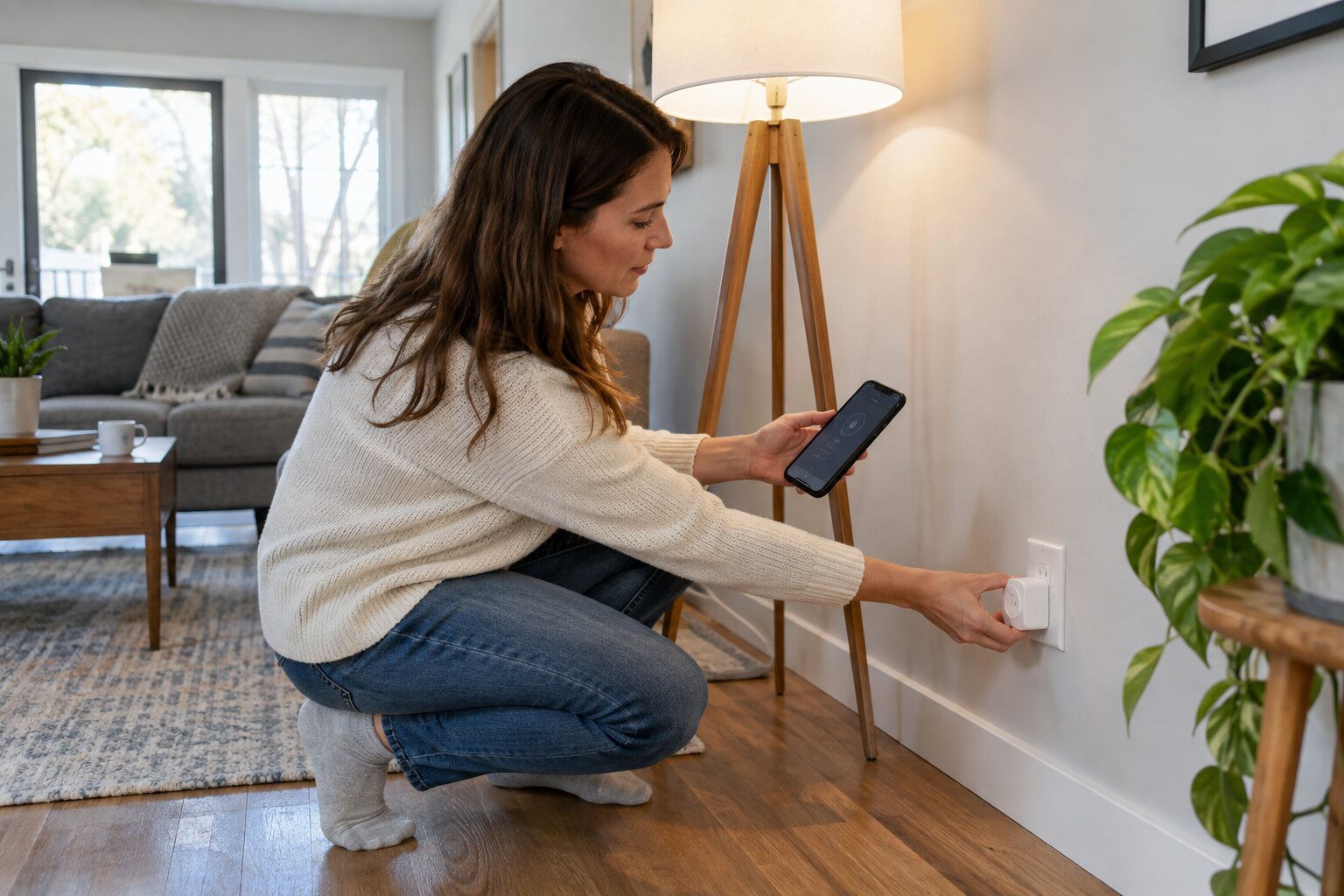
A smart plug can add scheduling and remote control to a lamp or small appliance, but it does not increase the outlet’s electrical capacity. Safe setup starts with choosing a suitable load and keeping the plug, cord, and receptacle visible.
Check the device and outlet
Read the smart plug’s voltage, current, and appliance restrictions. Do not use a standard plug for heaters, refrigerators, pumps, or other high-load equipment unless the manufacturer specifically rates it for that use. Inspect the receptacle for looseness, heat marks, buzzing, or a tripped safety device before connecting anything.
Pair it before final placement
Install the manufacturer’s app, create a strong account password, and enable two-step verification if available. Pair the plug near the router, update its firmware, and name it clearly. Keep the phone and plug on the same network during setup if the instructions require it.
Protect the connection
Insert the plug fully without using an adapter or extension cord unless the instructions allow one. Do not cover the plug with fabric or place it where spilled water can reach it. Keep the connected cord relaxed and avoid pinching it behind furniture.
Test schedules and manual control
Turn the appliance on and off using the button, then test the app and a short schedule. Confirm that the appliance restarts safely after power is removed; some devices should not be left unattended when they automatically resume.
Stop using the plug if it becomes hot, smells burnt, loses connection repeatedly, or makes the outlet loose. Smart control is not a substitute for the appliance’s own safety controls.